
It reads the PLC the documented way.
Through the runtime's own OPC UA server, with HotLoop's CODESYS connector. Nothing is installed in CODESYS, so there is nothing in the runtime to patch.
HotLoop for CODESYS runs HotLoop on the same node as a CODESYS runtime. It reads the PLC's variables through the runtime's own OPC UA server, puts them on screens that work on a panel PC, a phone, or a wall, and raises alarms on them. Nothing is installed in CODESYS and nothing writes to the PLC. The consequence: the operators get a screen, and the PLC gets a second set of eyes that doesn't depend on anything else on the node.
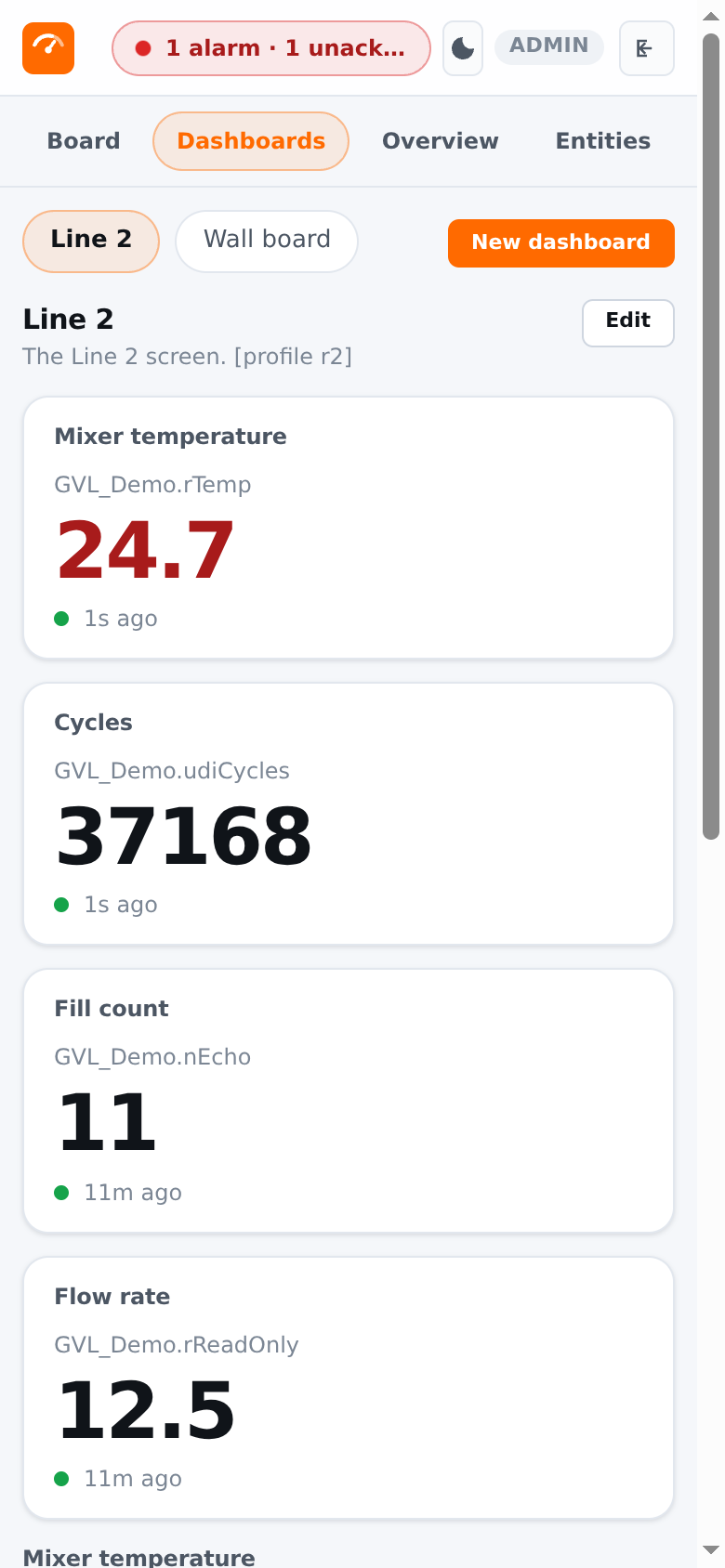
The screens are drawn outside the runtime, over the OPC UA server the runtime already has. So a change to a screen is a HotLoop edit, not a download to the PLC, and the same screen is on the panel PC and on a phone.
Through the runtime's own OPC UA server, with HotLoop's CODESYS connector. Nothing is installed in CODESYS, so there is nothing in the runtime to patch.
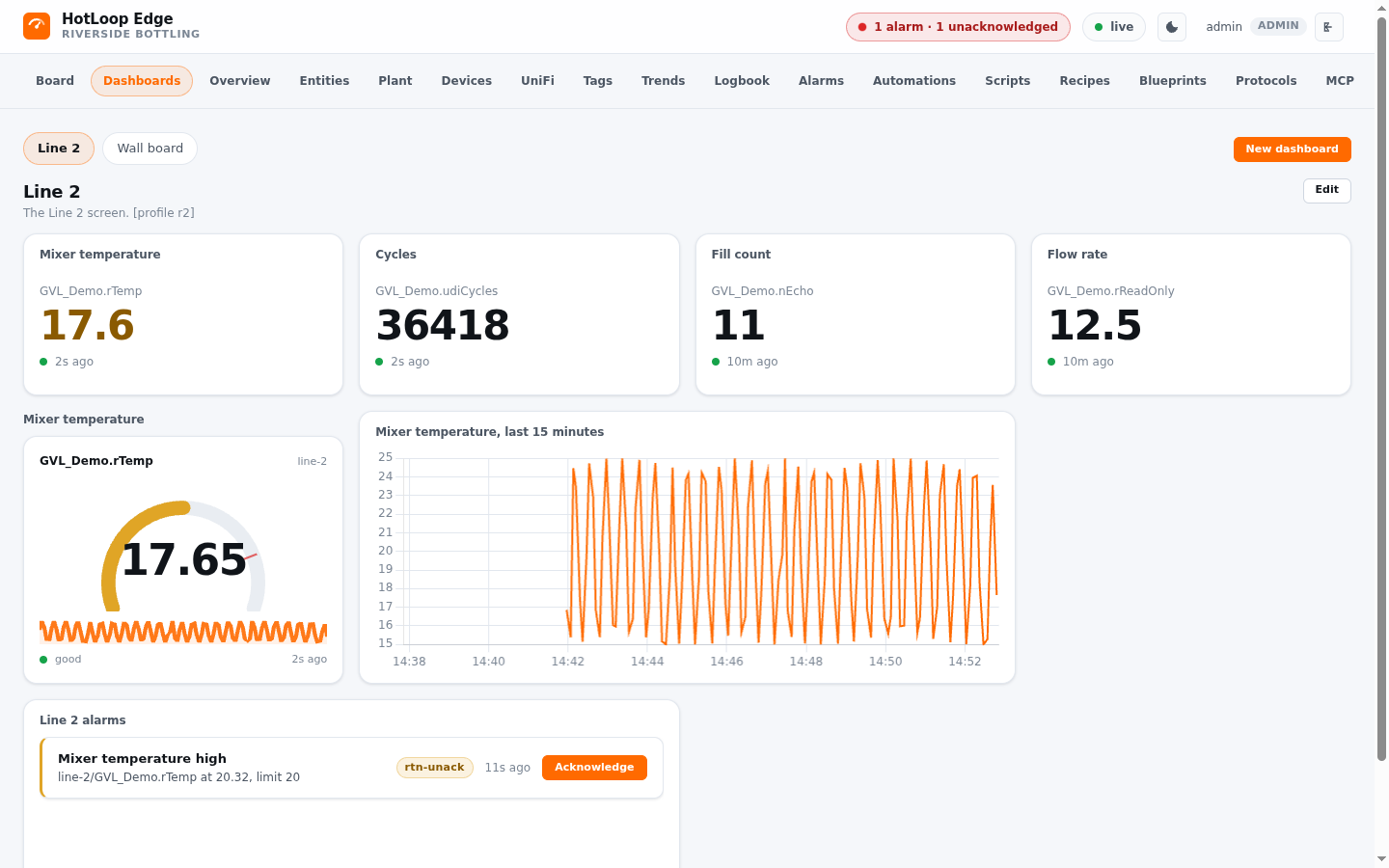
HotLoop dashboards: values, gauges, trends, and alarm lists, on a phone, a panel PC, or a wall, with one layout that folds down to a phone.
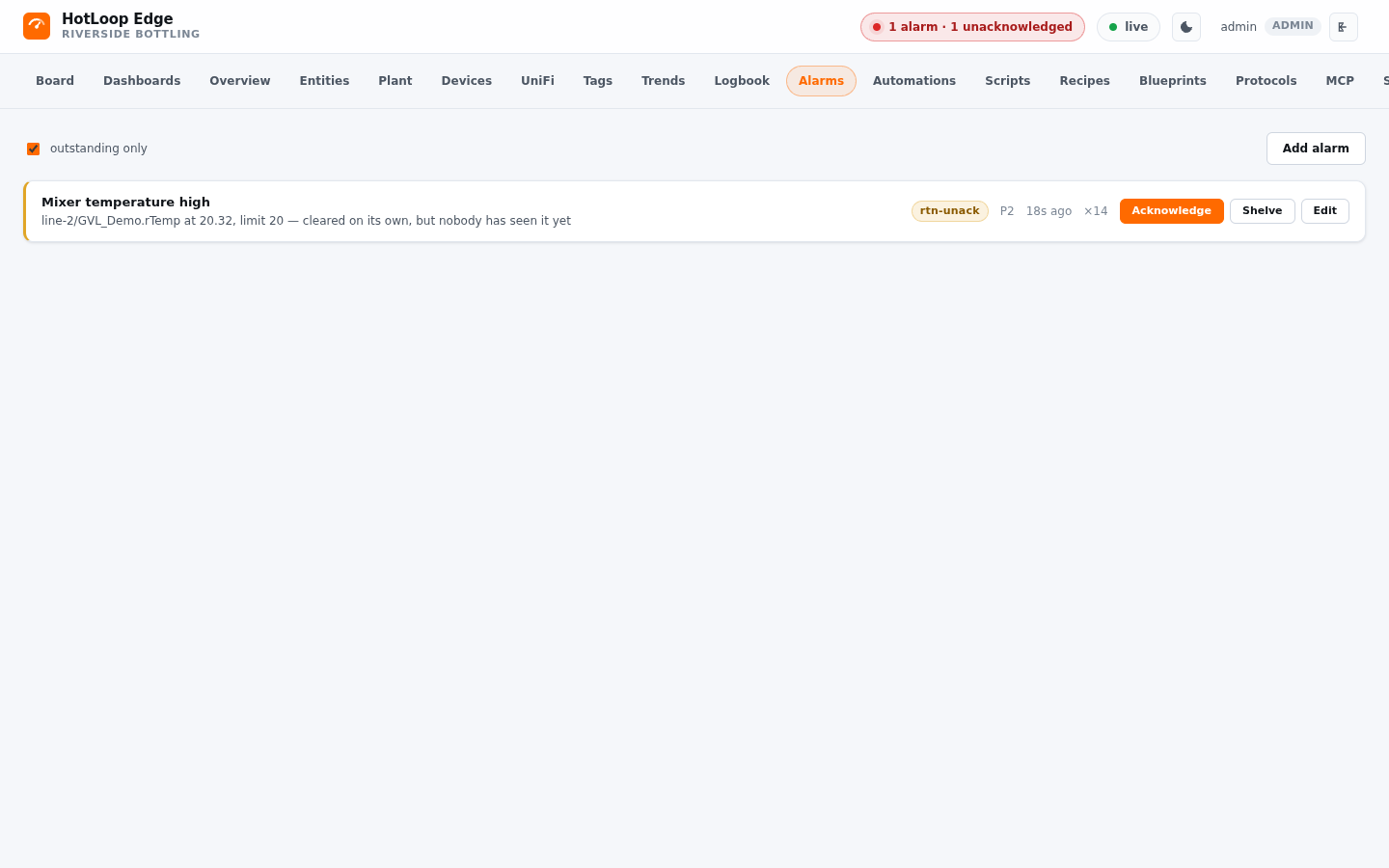
ISA-18.2 alarms on the PLC's variables, including the one that cleared before anybody saw it, so a trip that fixed itself is still on the list at shift change.
HotLoop runs beside the runtime on the same node, with its own database and nothing else in the path. If the runtime stops answering, every tag reads bad with the reason, never zero, and HotLoop reconnects by itself.
CODESYS documents one way for a third party to read a controller's variables, and it is the runtime's own OPC UA server. The PLC publishes what you want seen with a Symbol Configuration in the IDE, and HotLoop reads those variables by the names the programmer gave them, like Application.GVL_Line.rTemp, not by a node id. The Symbol Configuration is the only change to the PLC project, so your program stays yours.
These are the dashboards every HotLoop product has. A dashboard can be handed to the roles that need it or bound to one physical screen, which opens full bleed with bigger touch targets. A card commands nothing by itself.
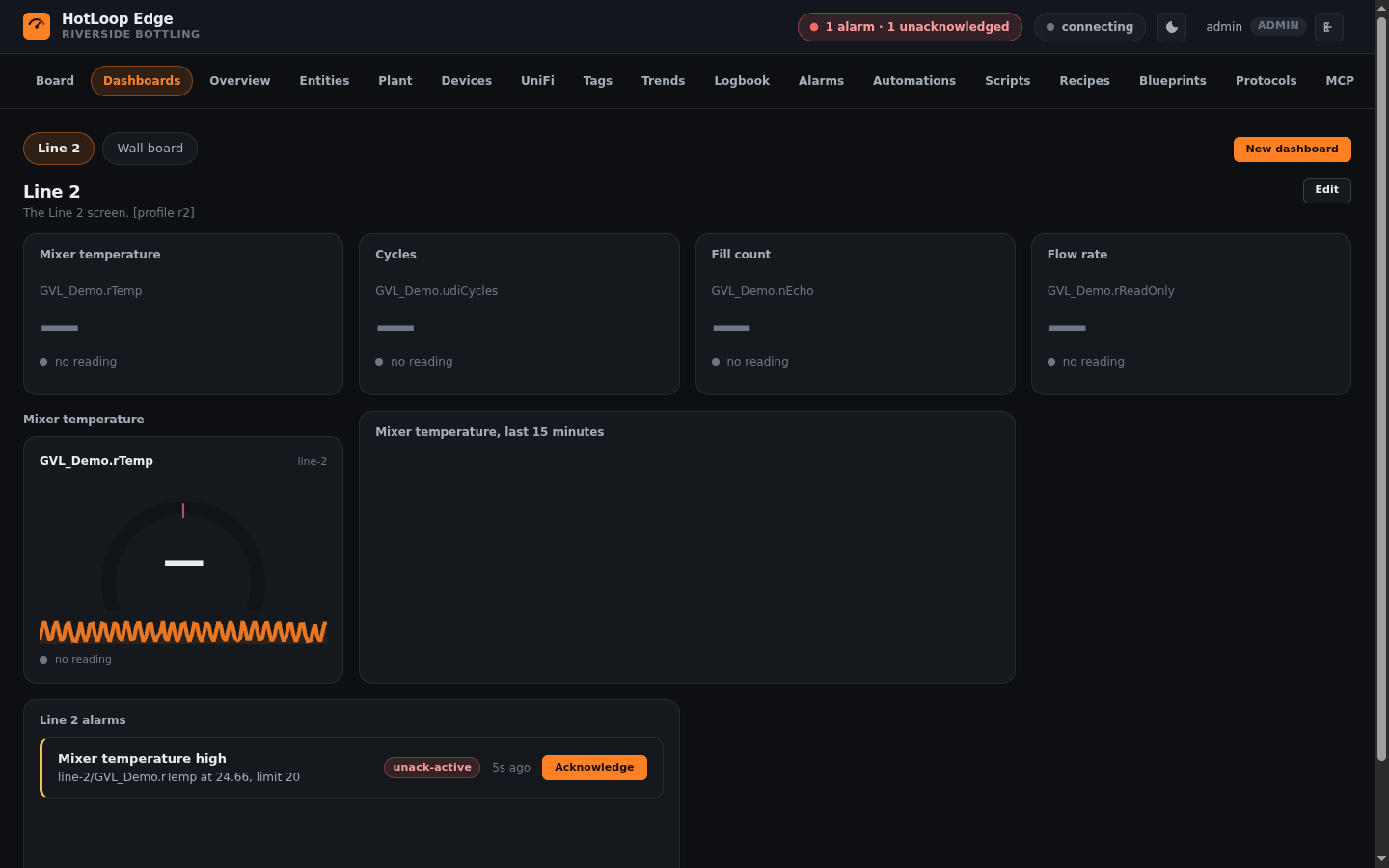
A restart of the runtime, or a new program loaded, drops the session. The device goes disconnected, every tag reads bad with the reason "the PLC's runtime is not answering", and HotLoop reconnects with backoff and reads the symbols as they now are. In the lab that took about a minute and a half from a runtime restart to good values again.
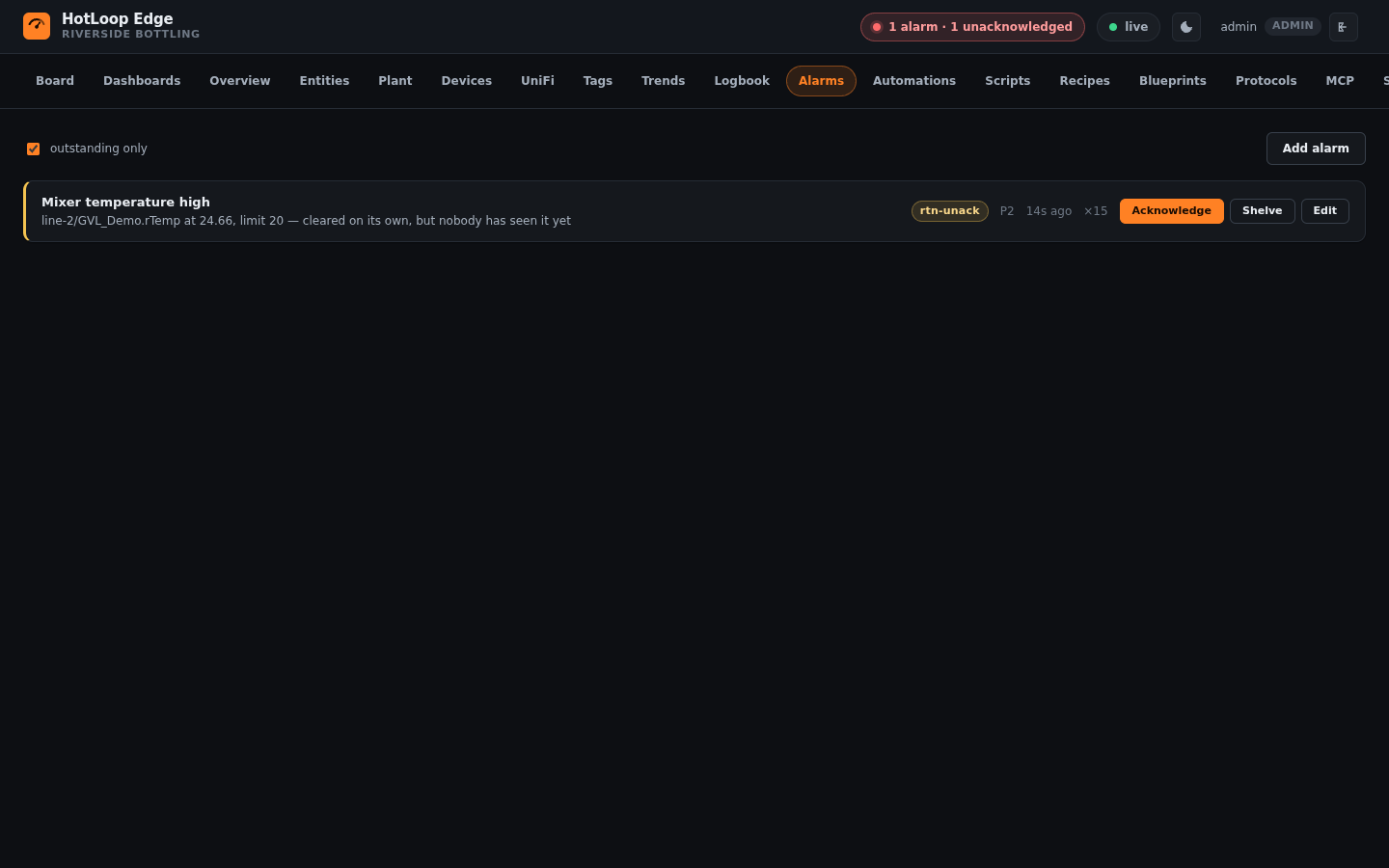
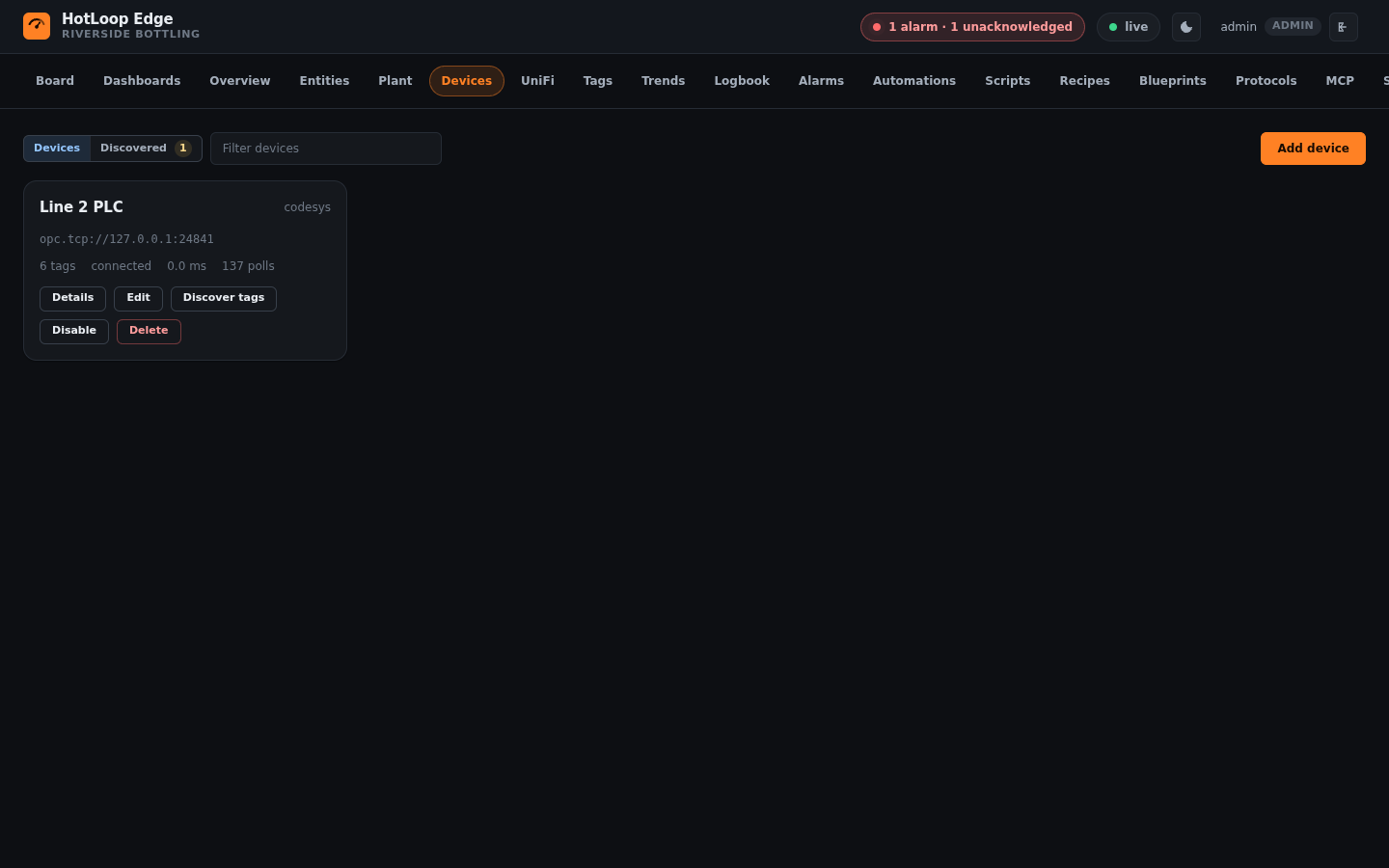
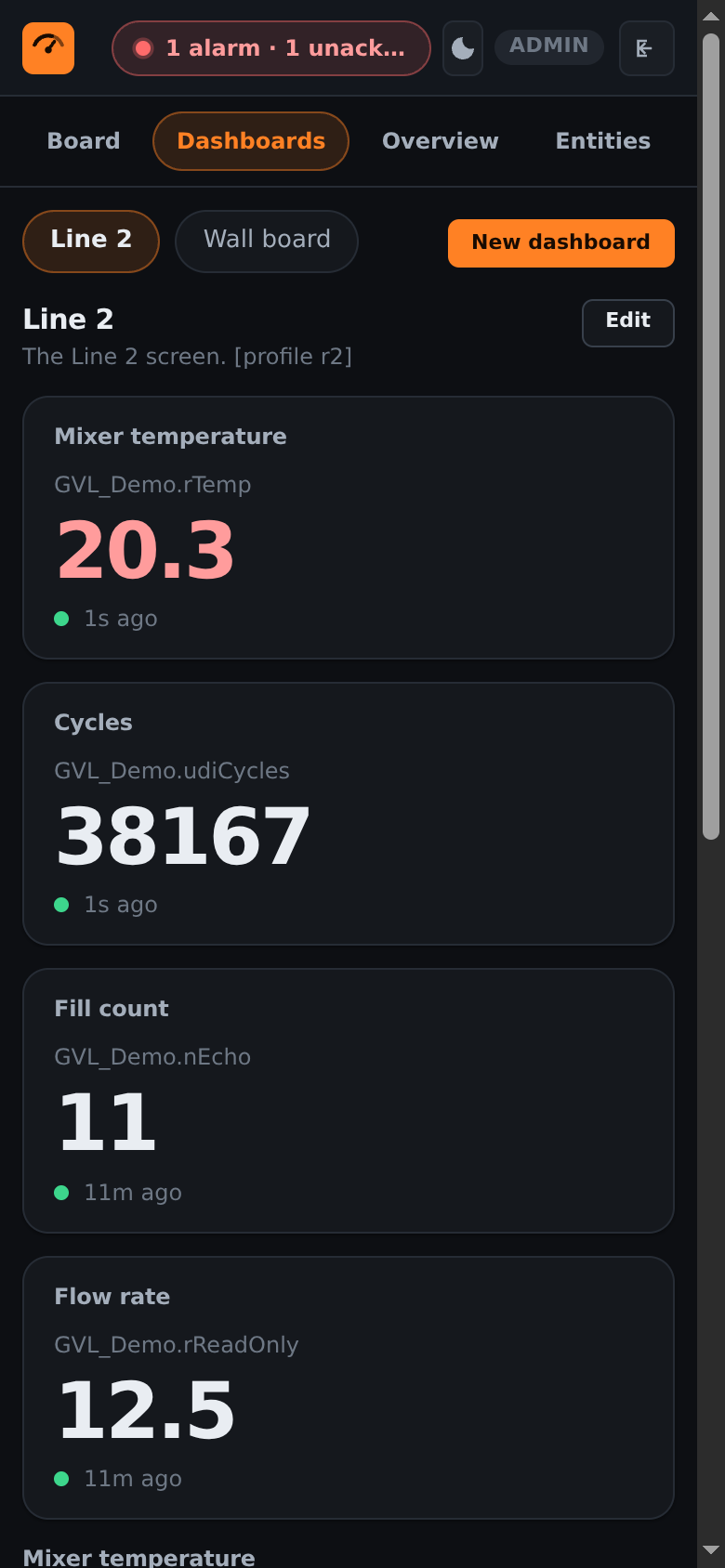
This is HotLoop Edge reading a real CODESYS runtime. The PLC program is HotLoop's own lab program, so the numbers are the lab's, and the labels (Line 2, Mixer temperature, Riverside Bottling) are ours, put there by the profile. It is HotLoop's default interface, and light or dark follows your system.
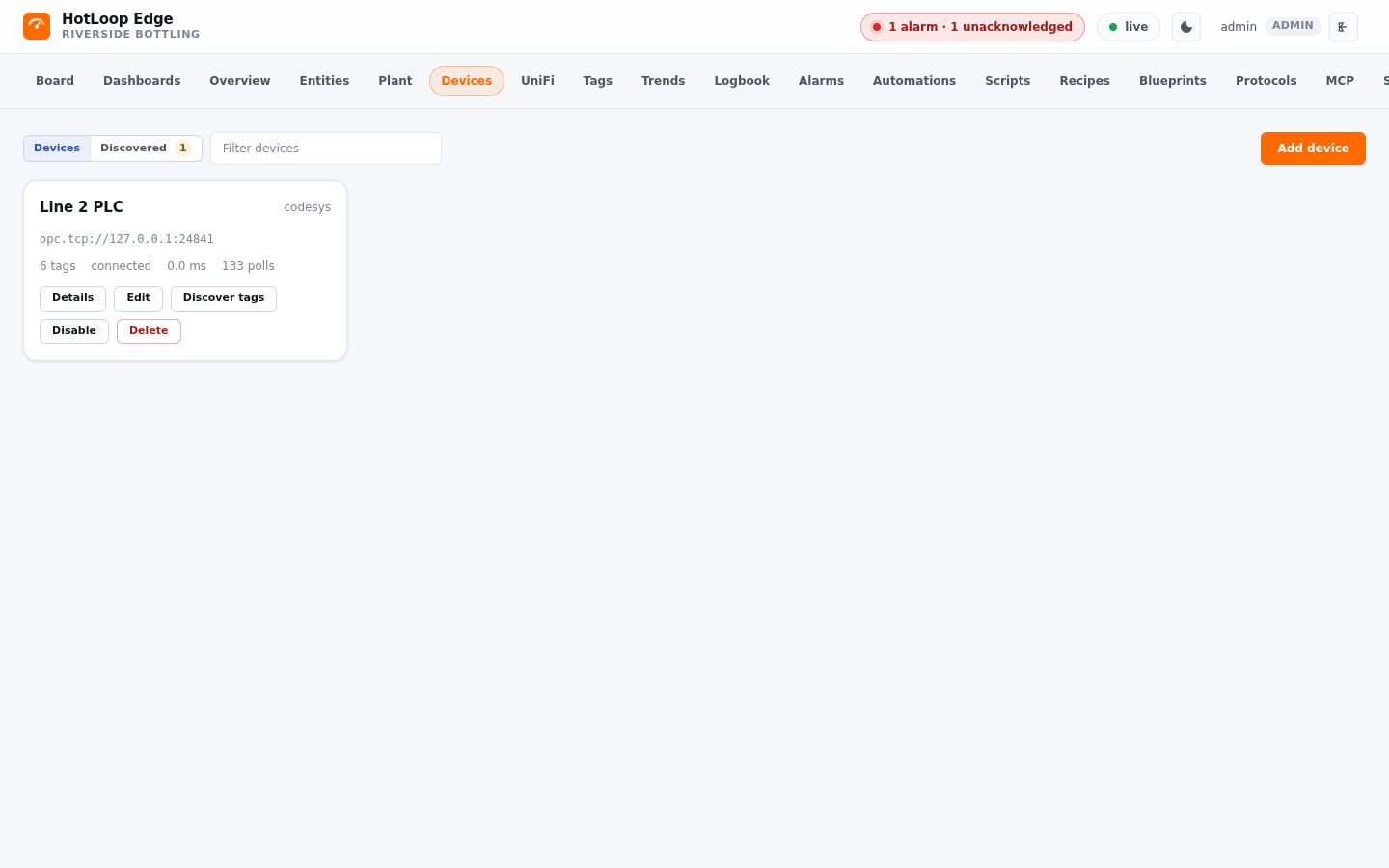
Every tag it sets up is read-only, and the profile marks none writable. A person can arm a tag later, one at a time, and then the write gate and the PLC's own symbol rights both get a say.
No library, no task, no function block, no agent. The runtime keeps doing its scan, and the only thing the PLC project needs is a Symbol Configuration that publishes the variables.
SQLite on the node's own storage. One file, and nothing else on the node that can fail on its own schedule.
The screens keep running on a node that loses its link to the cluster, and that is built into the chart. The table below says what was tested.
Four parts, and each says how it was tested. The table further down names what was run.
HotLoop's CODESYS driver: read and discover by symbol, with arrays and structures walked into one point per field.
HotLoop Edge with defaults for a runtime on a node: SQLite, and the parts you do not need beside a PLC switched off.
A small program that applies a profile to HotLoop and keeps it right: the device, the variables, the alarms, and one screen.
People sign in from the EmberCORE dashboard, and HotLoop for CODESYS inherits it.
It lists what the application exports as the types it has: a STRING is a string, a TIME is milliseconds, an enumeration is an integer. An array lists its first elements, and any element can still be addressed by its symbol. It shapes every request to the limits the runtime publishes, so a big program never overwhelms it. It was tested against a real CODESYS runtime and on bare metal (2026-11-17).
The profile is one file the installer provides, never part of the chart or the image, so both are generic. A variable the PLC gained since is added, one it lost reads bad with the server's reason, and the screen and alarms are replaced only when the profile's revision is higher, so a change a person made survives until a newer profile is shipped on purpose.
A valid sign-in from the dashboard puts a person in as an operator or an admin, and a wrong app, a wrong tenant, an expired sign-in, or a tampered one is refused. Local sign-in still works for setup.
It needs a CODESYS runtime on the same node with its OPC UA server on, and a Symbol Configuration in the PLC program for the variables you want to see. The chart wraps HotLoop Edge and is public, so you can pull it with no login.
kubectl -n <namespace> create secret generic <release>-profile --from-file=profile.json
helm repo add hotloop-codesys https://hotloop.io/hotloop-codesys/
helm install <release> hotloop-codesys/hotloop-codesys -n <namespace>
The profile is one small file: the device, the variables to keep, the alarms, and the screen. Want HotLoop alone, to set up by hand? Switch the automatic setup off with one option.
On EmberNet it is an App Store app. The Store lists it for EmberNet staff, who install it onto the tenant, and the Store writes the profile for you, so there is nothing to do afterward. Pick the node the runtime is on and it starts beside it.
Business use of HotLoop is free through EmberNet.
The steps, the profile's shape, and the sign-in are on the install page in the docs. The chart is public, so you can see for yourself that the thing exists before you ask anybody to install it.
| Check | What |
|---|---|
| Shown | The device, its tags (none writable), its alarm, and its screen appeared with no hand step. Every value read good and moved. It came back after a restart. Through a runtime restart the install read bad with the reason "the PLC's runtime is not answering" and came back by itself about a minute and a half later. |
| Run against | A real CODESYS Control for Linux runtime running a lab program, with HotLoop Edge beside it on Kubernetes. |
| On bare metal | The pieces that had only been run in the lab, including a node losing its link to the cluster, were tested on bare metal (2026-11-17). |
What comes next is on the roadmap.
HotLoop for CODESYS is under the HotLoop Free Use License 1.0, and so is the HotLoop Edge it runs. It is free to use and it is not open source. Home and lab use is free. Business use is free through EmberNet. Support, SLAs and rollouts come from our Official Systems Integrator, Fireball Industries, which is a CODESYS system partner.